
NewGoogle Workspace Importer now imports 13 Google Cloud resource types into JSM Assets.Learn more here

Pio Software logo.

Pio Software

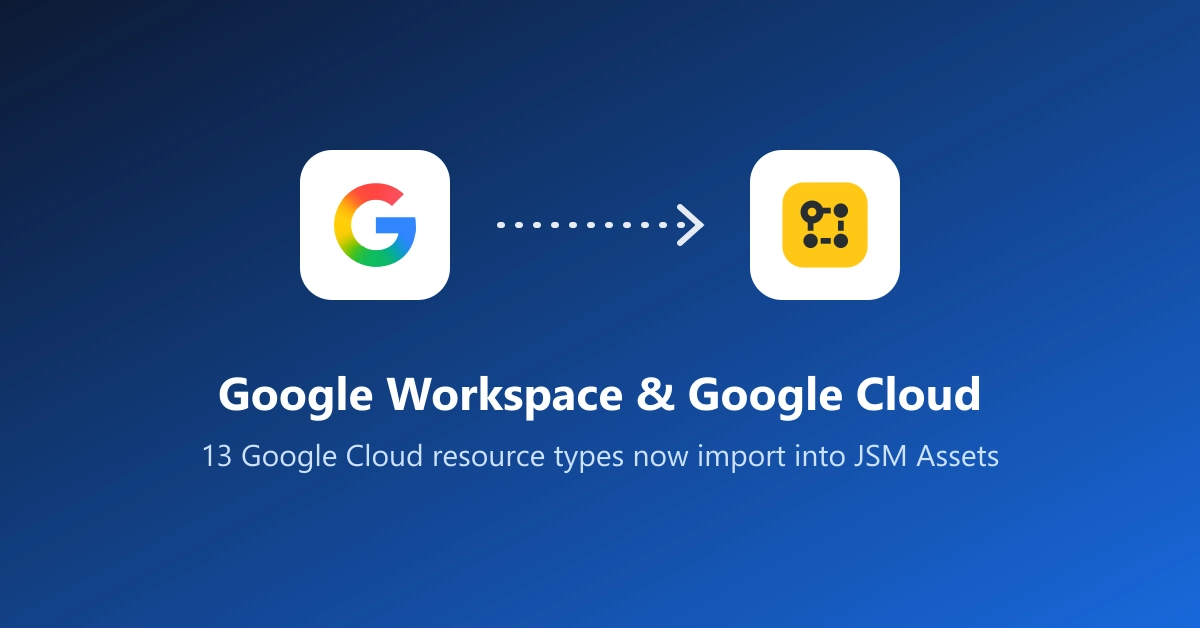
Google Workspace and Google Cloud data flowing into Jira Service Management Assets
Product updatesNov 17, 2026

Google Workspace Importer Now Imports Google Cloud

Version 5.5.0 adds Google Cloud as a source: 13 resource types, with their relationships, imported into JSM Assets. The app is renamed Google Workspace & Google Cloud Importer for JSM Assets.

What's new

Add a Google Cloud organization, folder or project as a source on the Source tab. The app reads your resources with Google Cloud Asset Inventory and imports them into its own object schema in Assets, alongside your Google Workspace users, groups and devices.

Supported resource types

CategoryObject types
Compute & containersVM Instances, GKE Clusters, Cloud Run Services, Cloud Functions
Storage & databasesDisks, Storage Buckets, Cloud SQL Instances
NetworkingVPC Networks, Subnets, IP Addresses
Identity & organizationProjects, Folders, Service Accounts

Relationships

References between objects are created on import:

  • Every resource is linked to its project.
  • Projects and folders are linked to their parent folder.
  • Subnets are linked to their VPC network.
  • Internal IP addresses are linked to their subnet.

Requirements

  • A Google Cloud service account with the Cloud Asset Viewer and Service Usage Consumer roles on the organization, folder or project you import.
  • The Cloud Asset API enabled in the service account's project.
  • No domain-wide delegation. Access is read-only.
  • A separate destination for Google Cloud connections. A destination serves one kind of source, and Google Cloud imports into the app's own object schema only, not the People or Hardware assets system schemas.

Existing Google Workspace setups

Nothing changes. Sources, destinations, connections, schedules and import history are kept, and no migration is needed. To get the new object type icons in an existing schema, click Upgrade Data Model in the connection's Build window.

Also in 5.5.0

  • Upgrade Data Model adds the object types and attributes of a newer app version to an existing object schema without changing schema sharing.
  • Faster Google Cloud imports: a Test Import fetches 20 records of each object type in parallel, a Full Import 250 records per object type per batch.
  • Clearer schema labels on destinations (Google Workspace schema or Google Cloud schema) and a one-line summary of imported counts at the end of each import log.

Get started

← Back to Newsroom